
Task template · Small businesses & job seekers
PDF to website
Turn a brochure or CV into a web page. Made from one message, so you can get your own in minutes.
PDF to website
- Uses
- FilesInteractive widgets
- You need
- Attach a PDF
Prompt: Turn the attached PDF ([what it is, e.g. my brochure or CV]) into a polished one-page website. Keep all the important content, organize it into clear sections, use a [style] design in [colors], and make it work on phones.
Turn a brochure or CV into a web page. For Small businesses & job seekers.
The prompt
Turn the attached PDF (my tour brochure for Saltmarsh Kayak Co.) into a polished one-page website. Keep all the important content, organize it into clear sections, use a warm, modern design in midnight ink and saffron yellow with rust accents, and make it work on phones.
You need: Attach a PDF
Uses: Files, Interactive widgets
Make it yours
- Change the details in the prompt to fit small businesses & job seekers.
- Ask for edits in plain words: tone, colors, length, layout or data.
- Share the result by link or export it when you are done.
More task templates
Browse all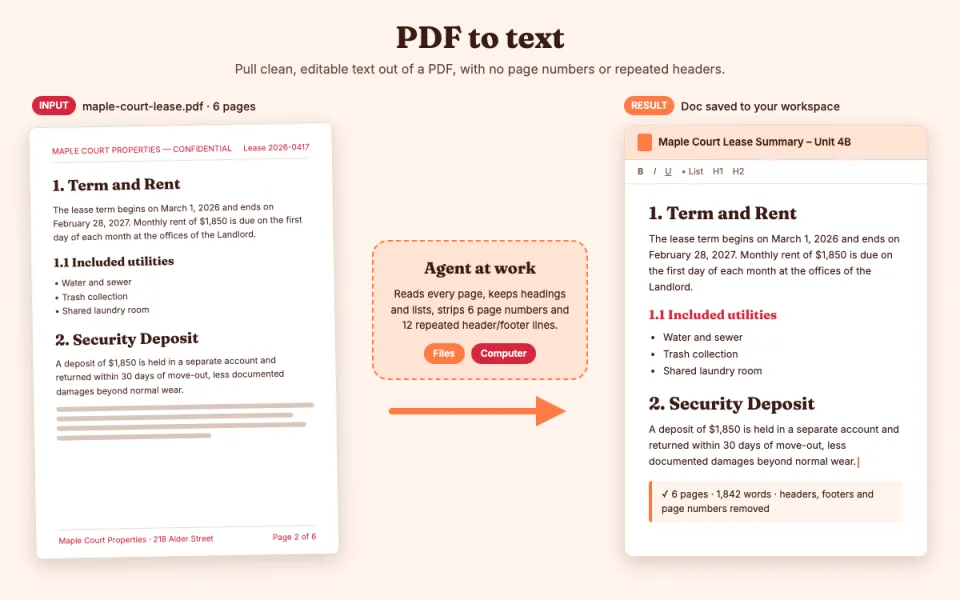
PDF to text
Pull clean, editable text out of a PDF
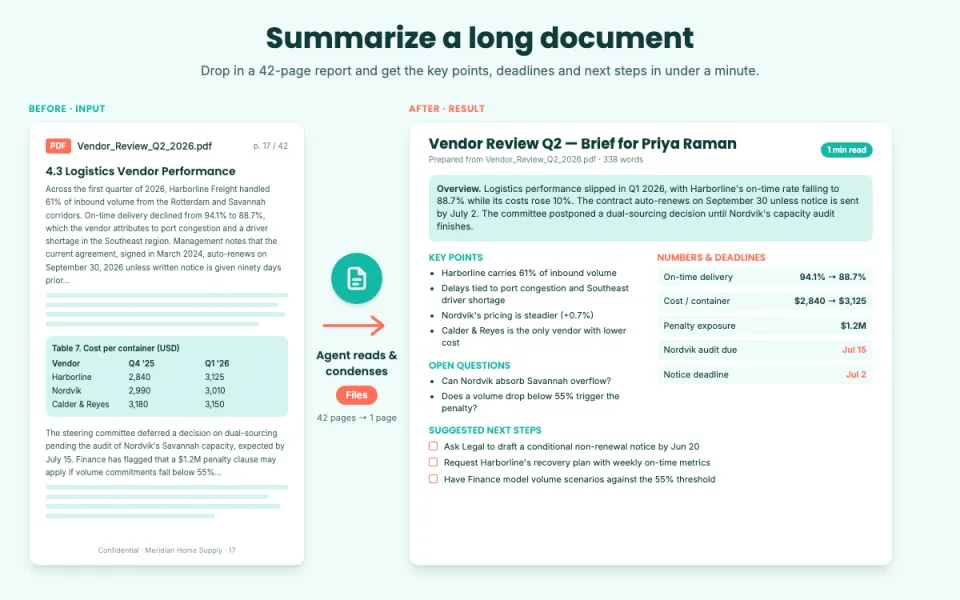
Summarize a long document
Key points, decisions and action items
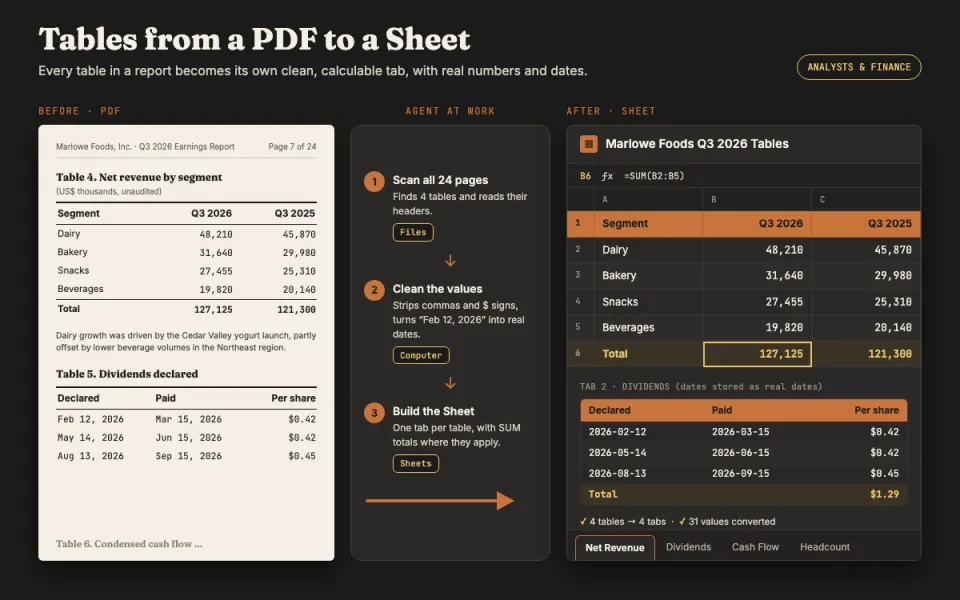
Tables from a PDF to a Sheet
Turn report tables into a spreadsheet
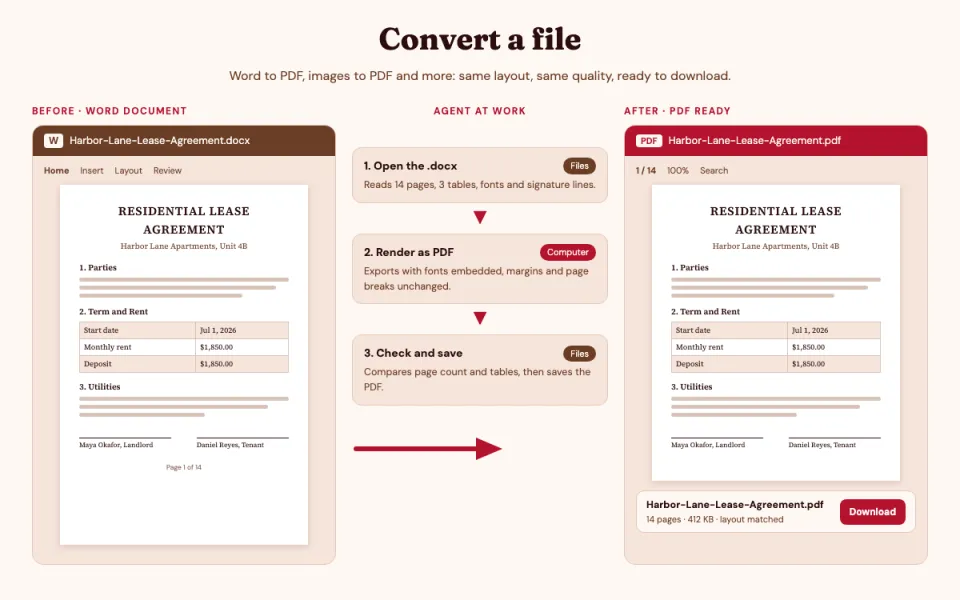
Convert a file
Word to PDF, images to PDF and more
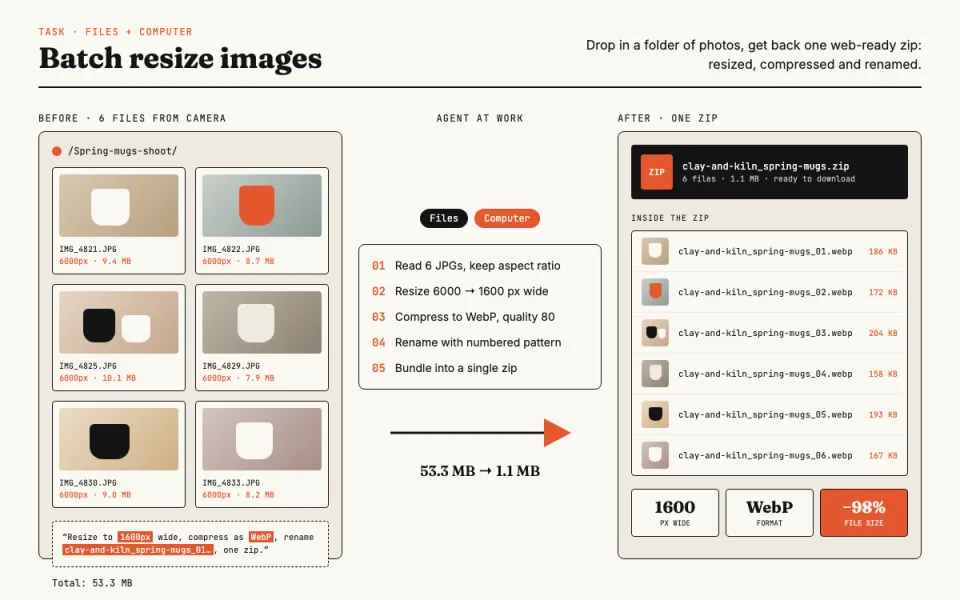
Batch resize images
Resize, compress and rename photos
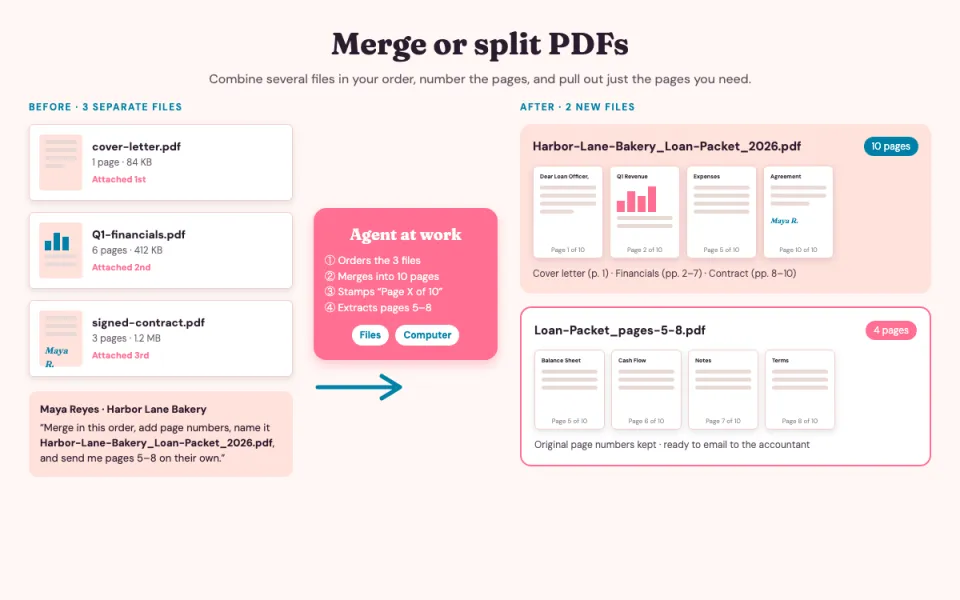
Merge or split PDFs
Combine files or pull out pages