
Connect your apps.Get things done.
Just say what you need. Getinto.chat makes the slides, builds the website, sorts your inbox and sends the report, using the apps you already have.
Example: Turn my notes in Google Drive into a 10-slide pitch deck for investors.
One message. Finished work.
Slides, websites, images, reports and even games, each made from a single ask. Open any of them to see it in full, then make your own.
 Concept car revealSlides
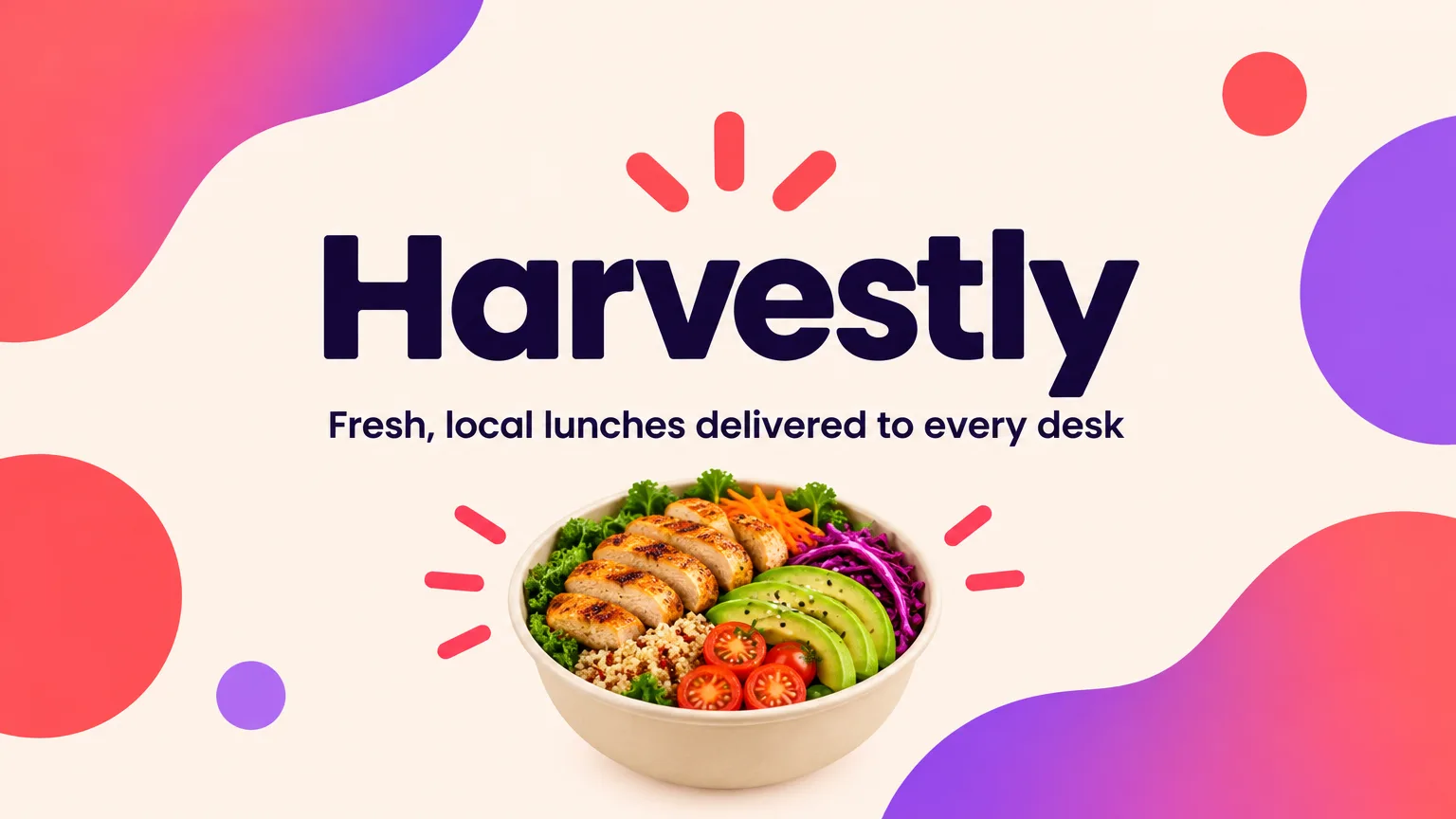 Pitch deckSlides
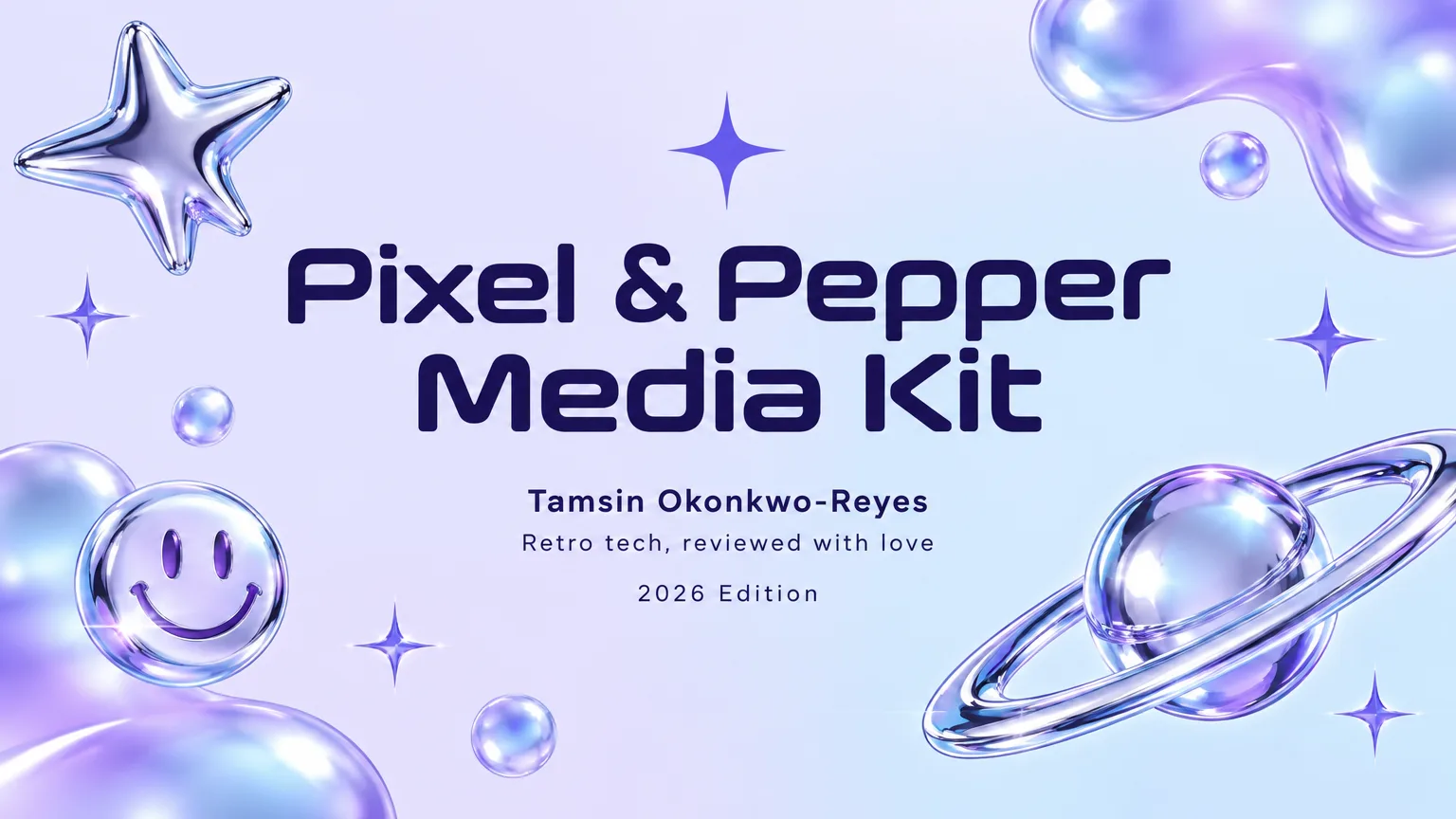 Creator media kitSlides
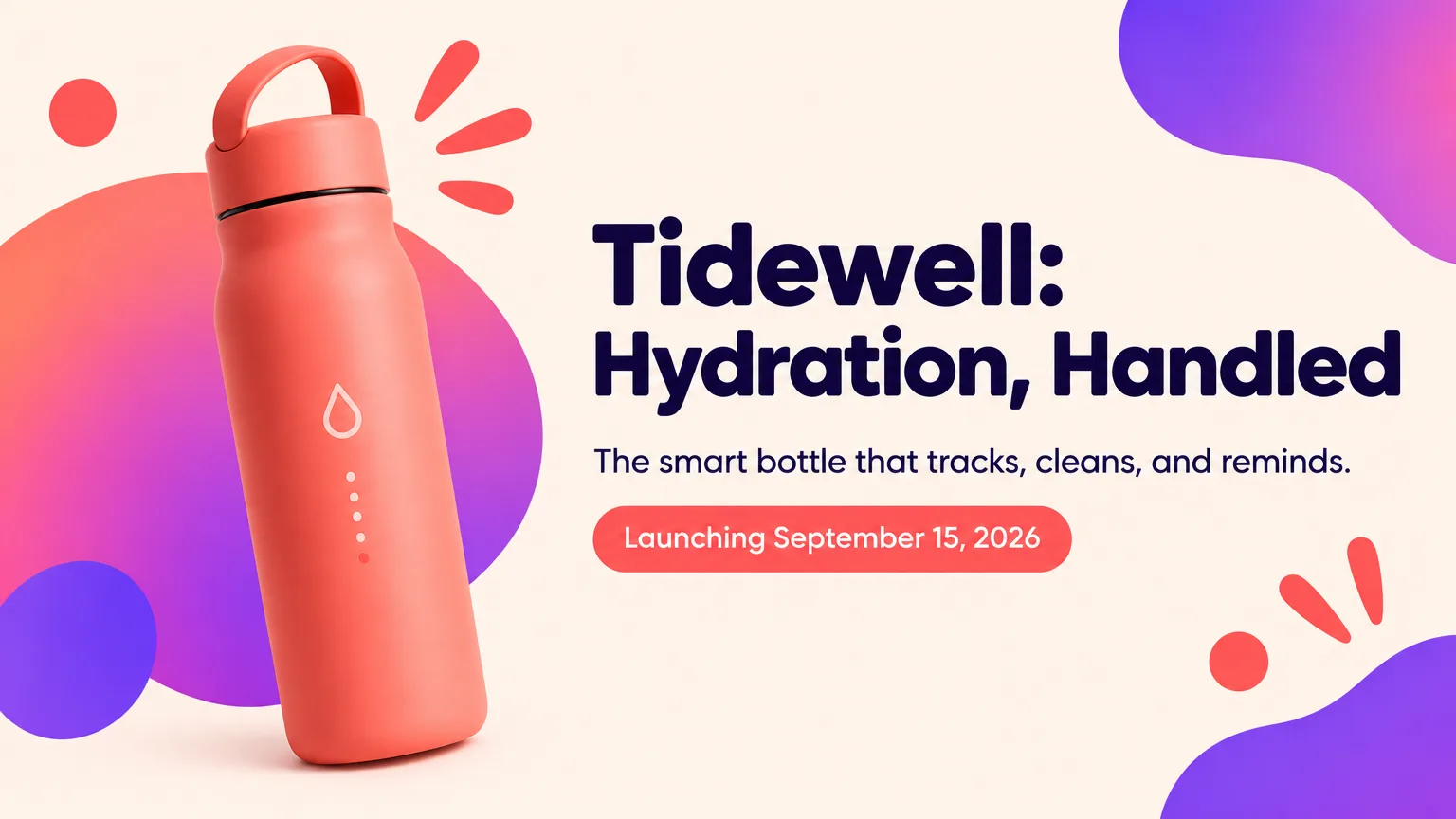 Product launchSlides
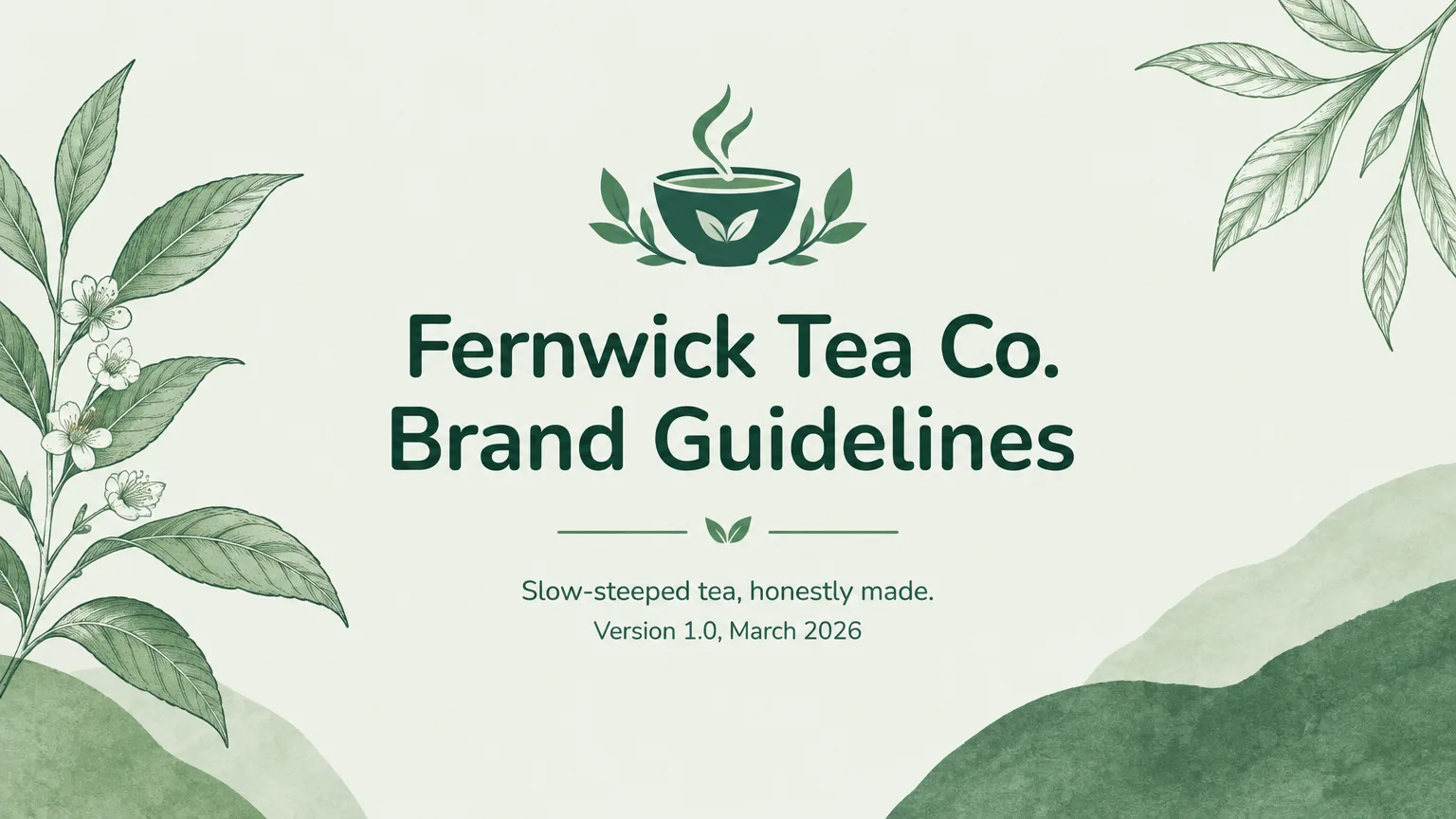 Brand guidelinesSlides
 Design portfolio presentationSlides
 Kids picture storySlides
 Indie game pitchSlides
 Group trip itinerarySlides
 Seasonal menu tastingSlides
 Annual reportSlides
 Wedding toast slideshowSlides
 Flying car reservationWebsite
 K-beauty skincare shopWebsite
 BakeryWebsite
 WeddingWebsite
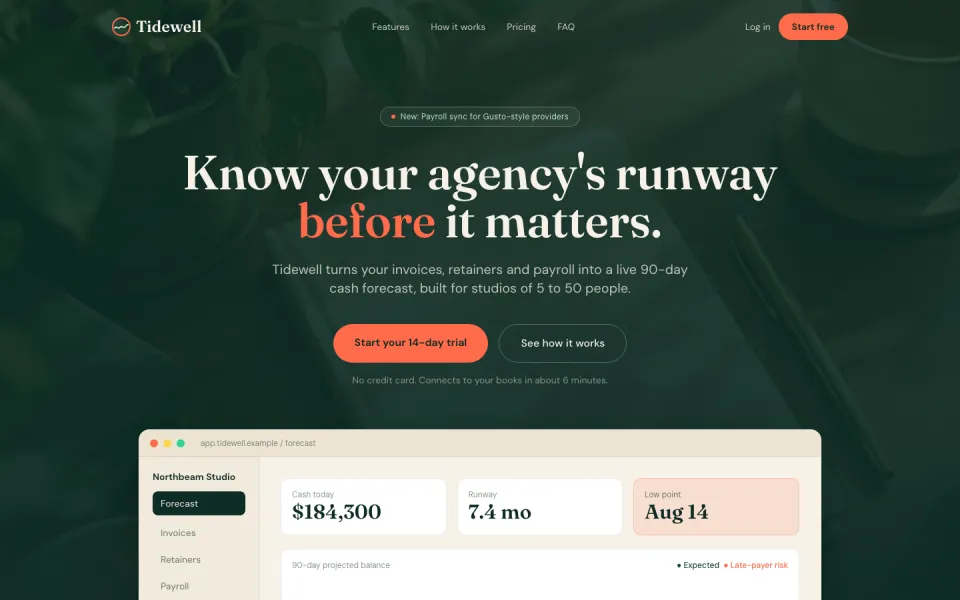 SaaS landing pageWebsite
 RestaurantWebsite
 Boutique hotelWebsite
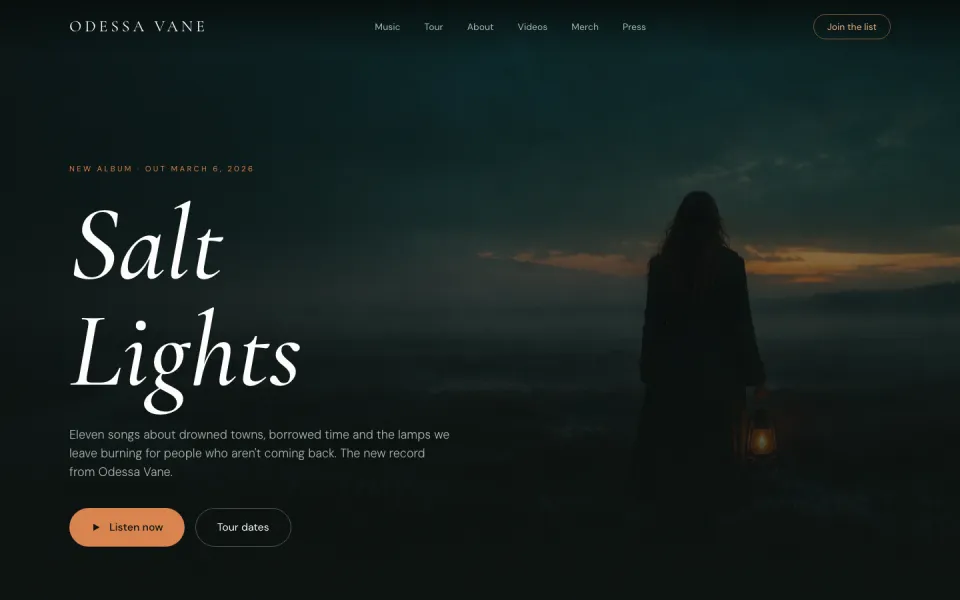 MusicianWebsite
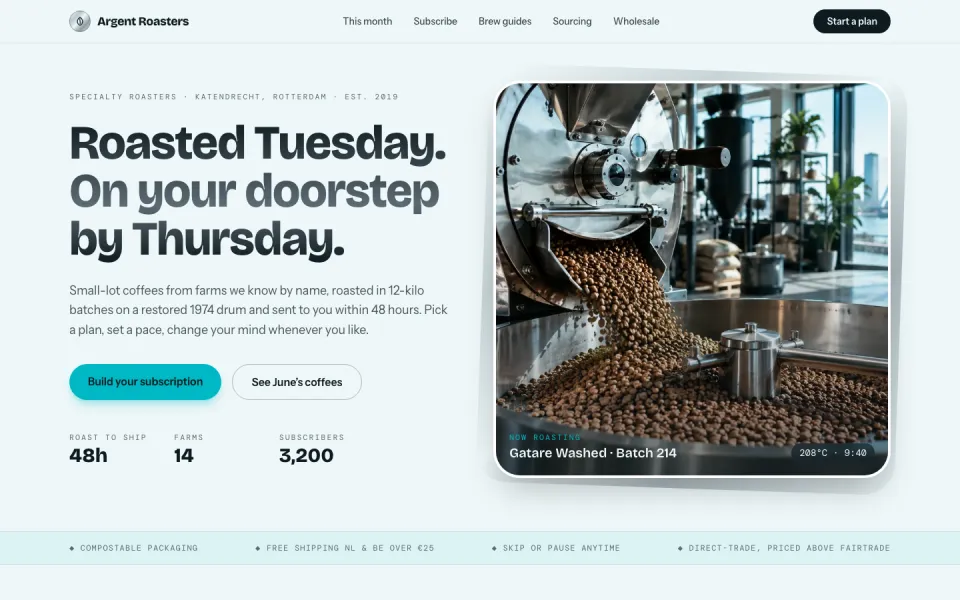 Coffee roastery subscriptionWebsite
 Yoga retreatWebsite
 Plant shopWebsite
 Streetwear dropWebsite
 Seoul street styleImage
 Flying roadster conceptImage
 K-beauty campaignImage
 Product hero imageImage
 Virtual idol photocardImage
 Modern hanbok editorialImage
 Character designImage
 Book coverImage
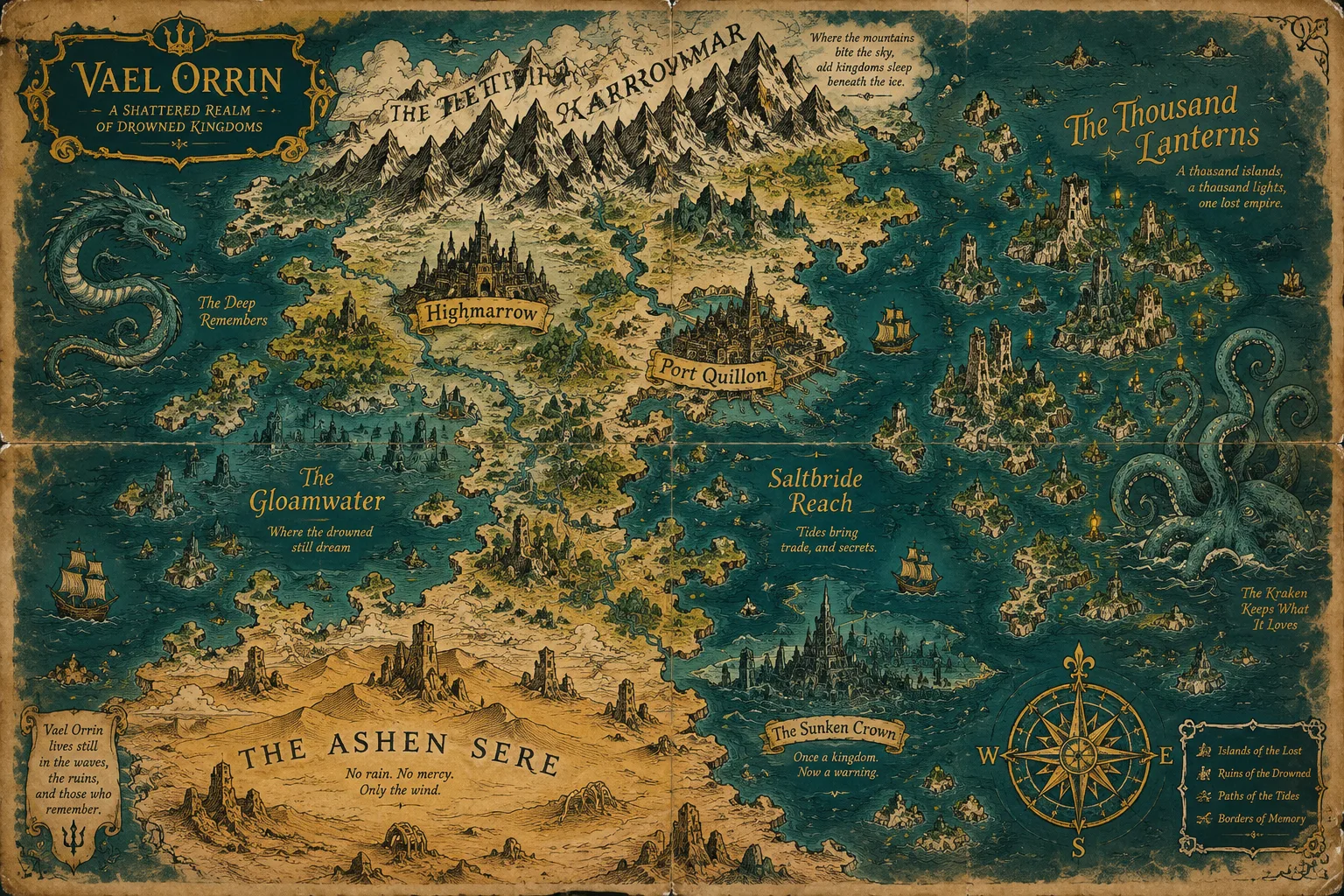 Fantasy world mapImage
 Isometric illustrationImage
 Packaging mockupImage
 Album coverImage
 Food photographyImage
 Watercolor landscapeImage
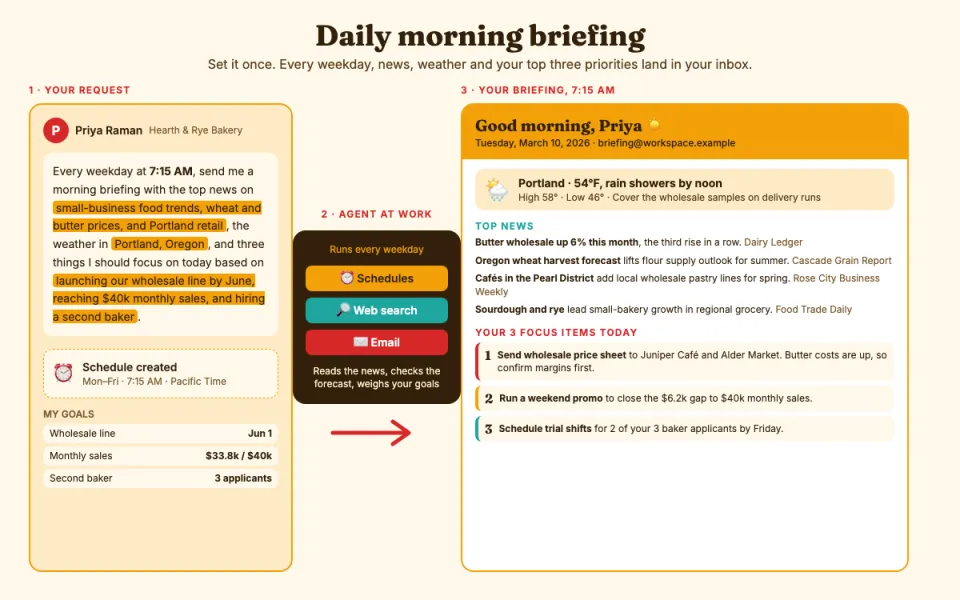 Daily morning briefingTask
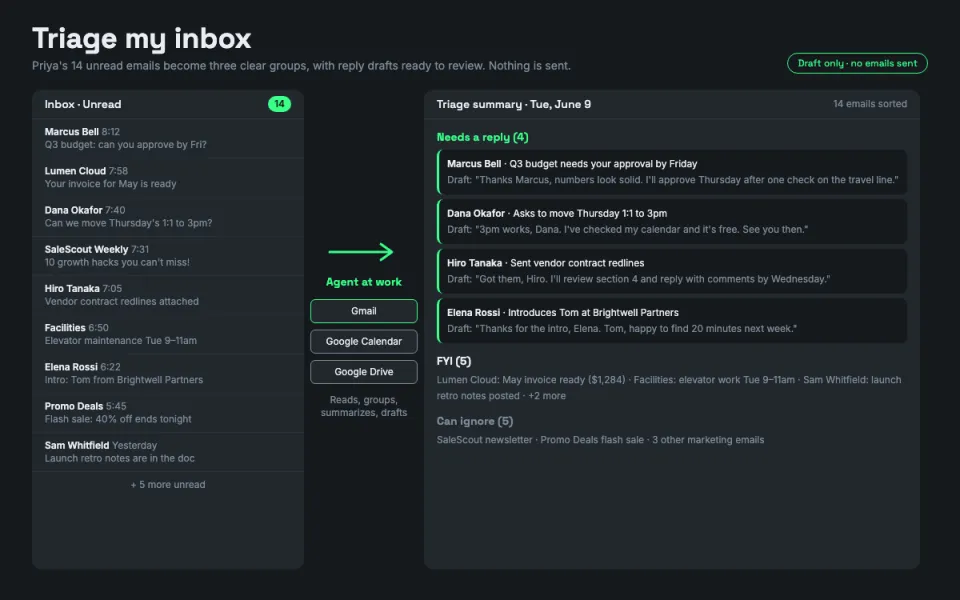 Triage my inboxTask
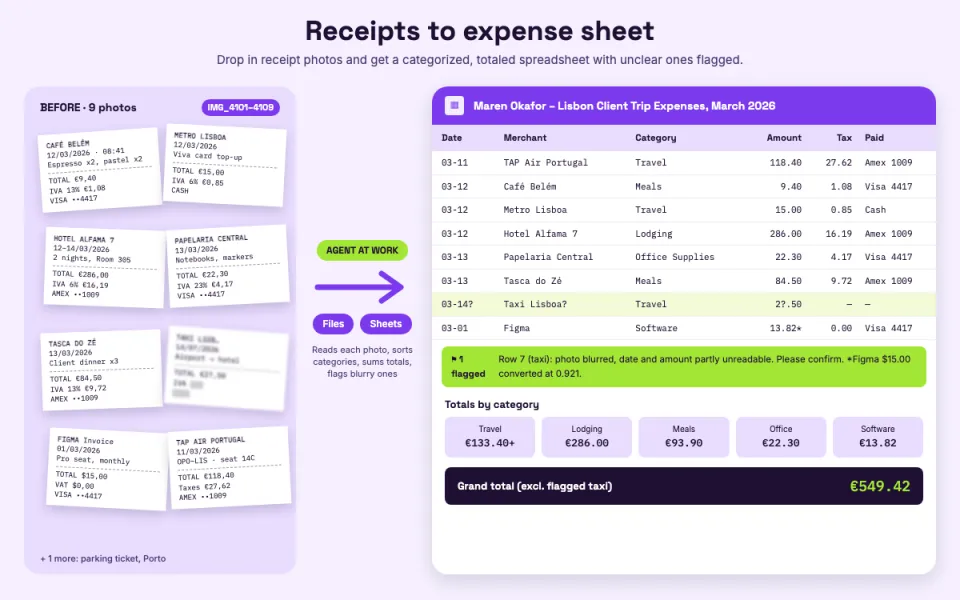 Receipts to expense sheetTask
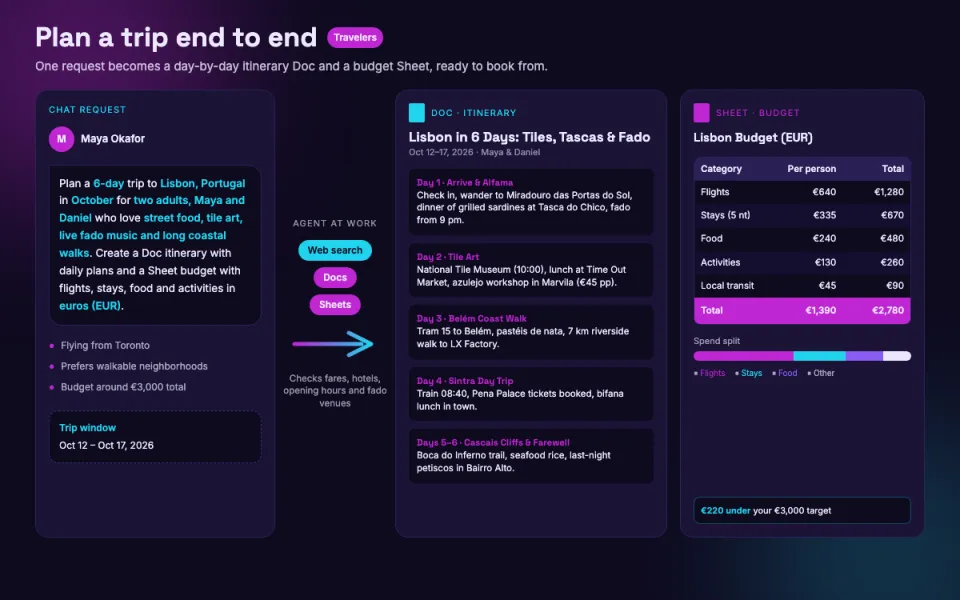 Plan a trip end to endTask
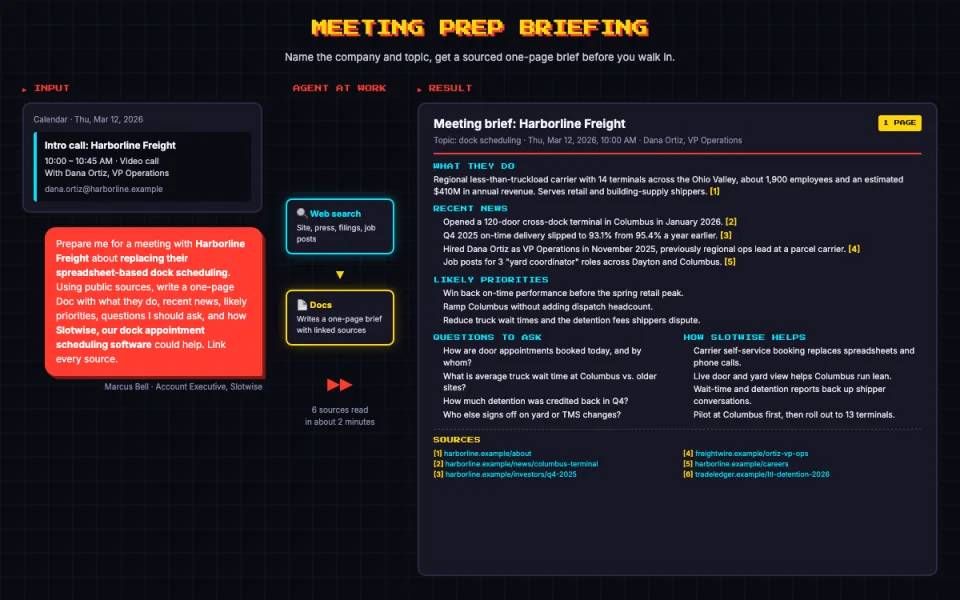 Meeting prep briefingTask
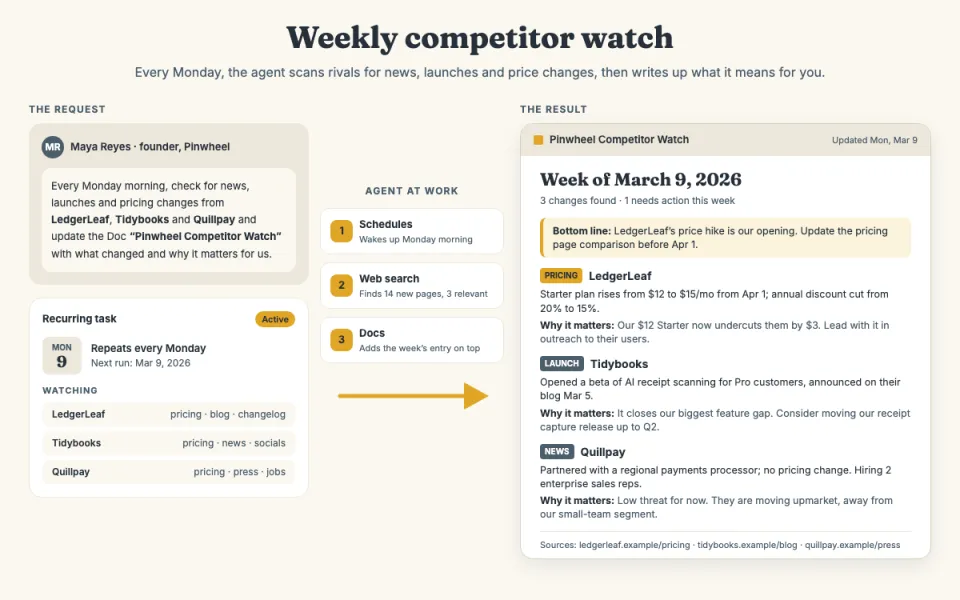 Weekly competitor watchTask
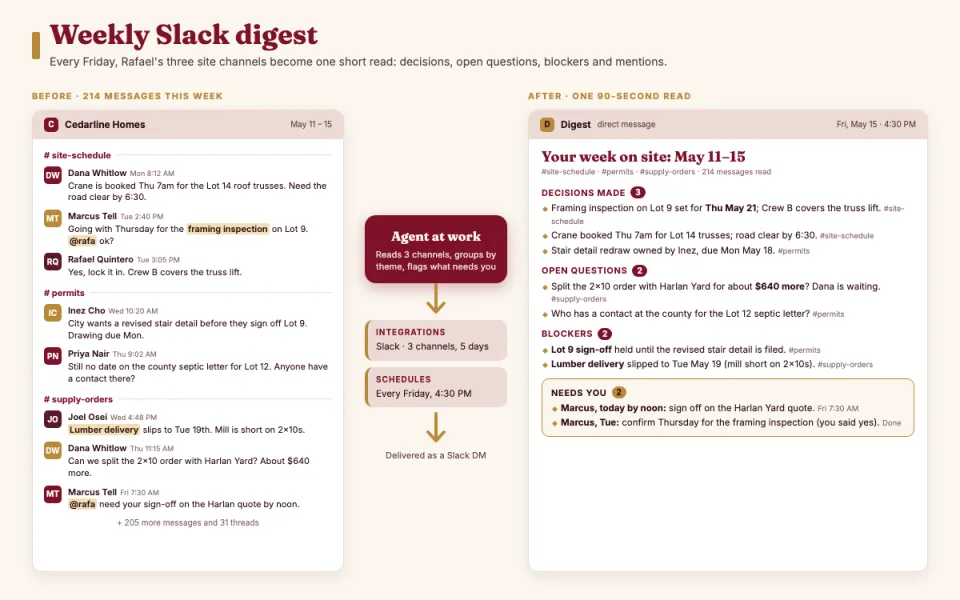 Weekly Slack digestTask
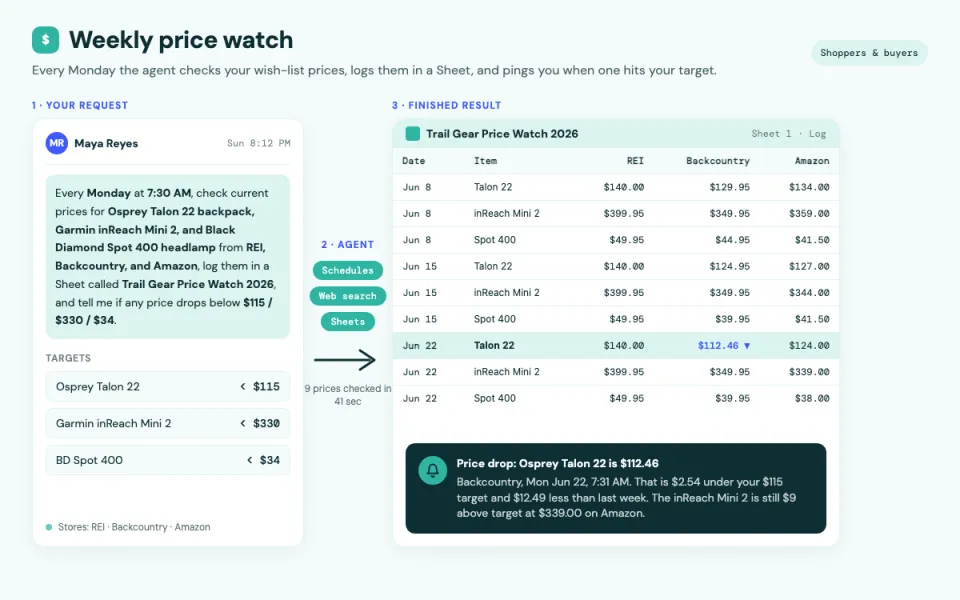 Weekly price watchTask
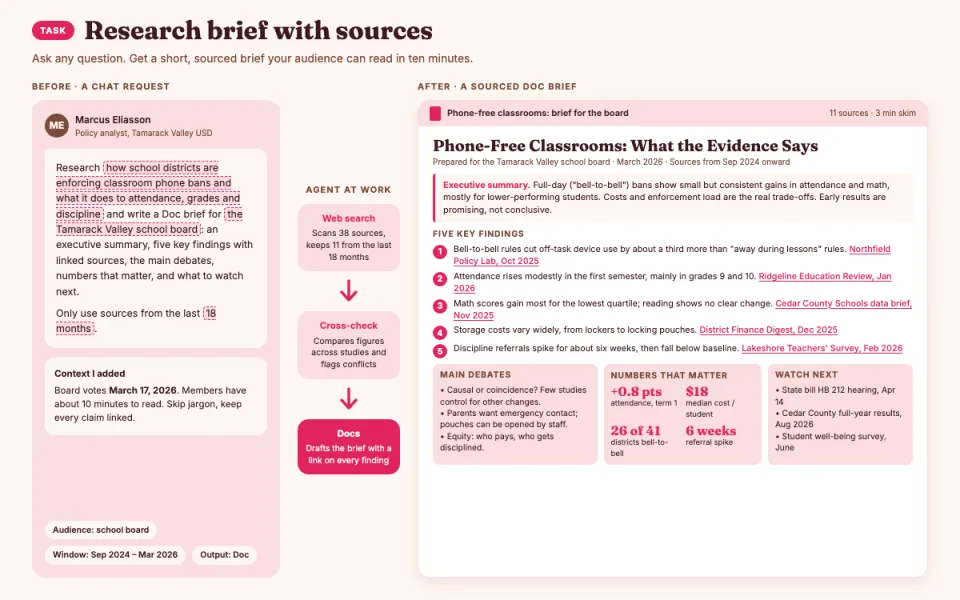 Research brief with sourcesTask
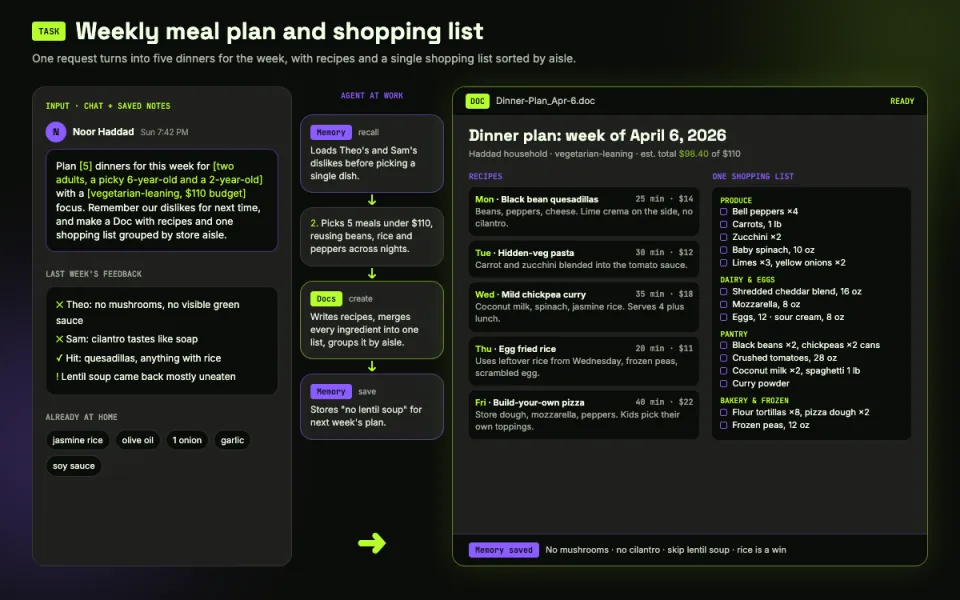 Weekly meal plan and shopping listTask
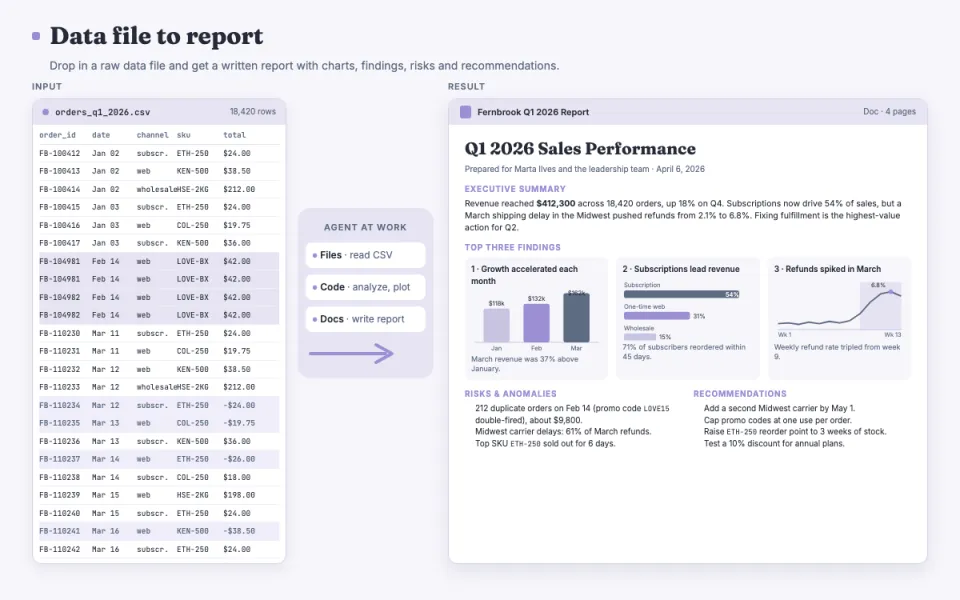 Data file to reportTask
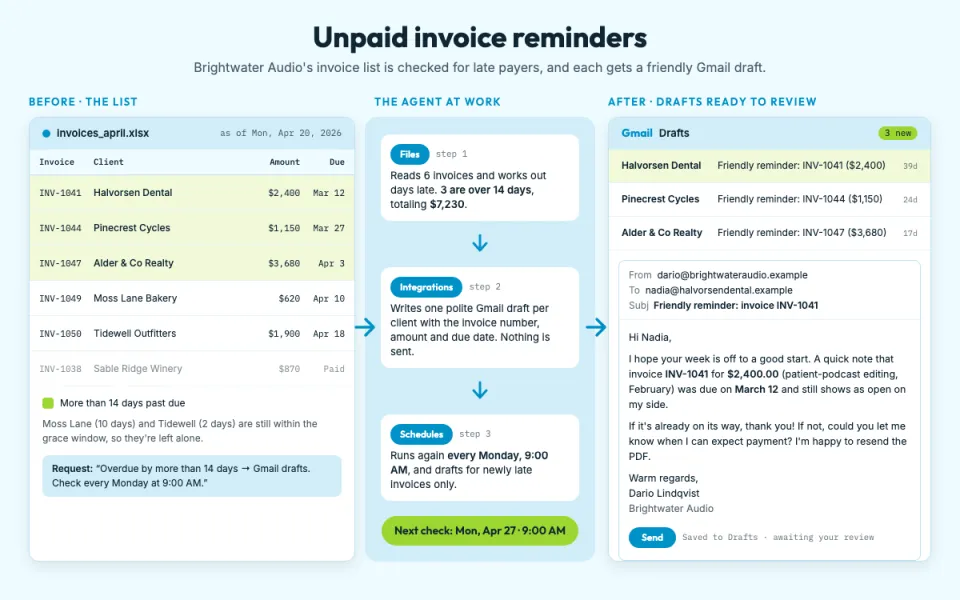 Unpaid invoice remindersTask
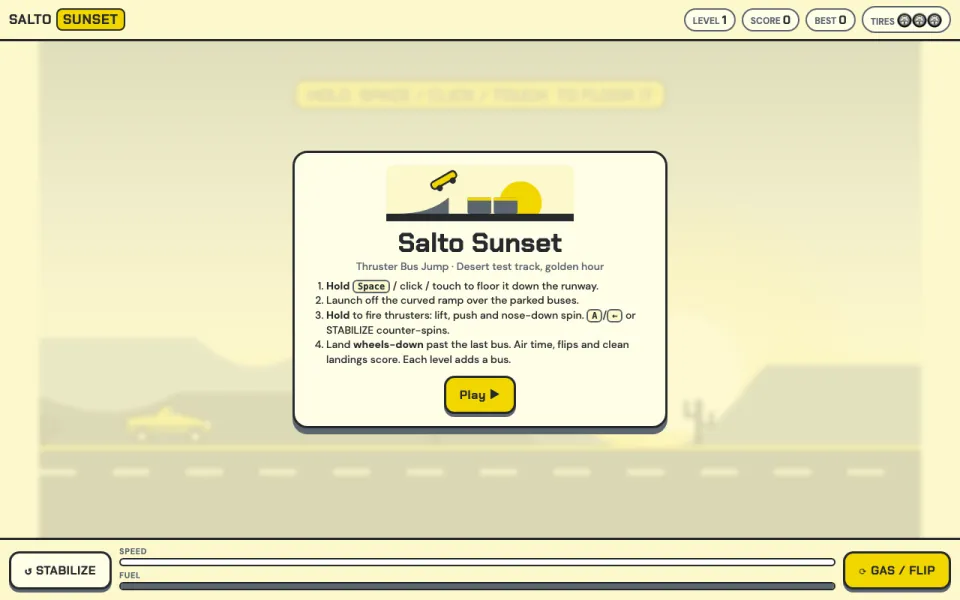 Roadster stunt jumpGame
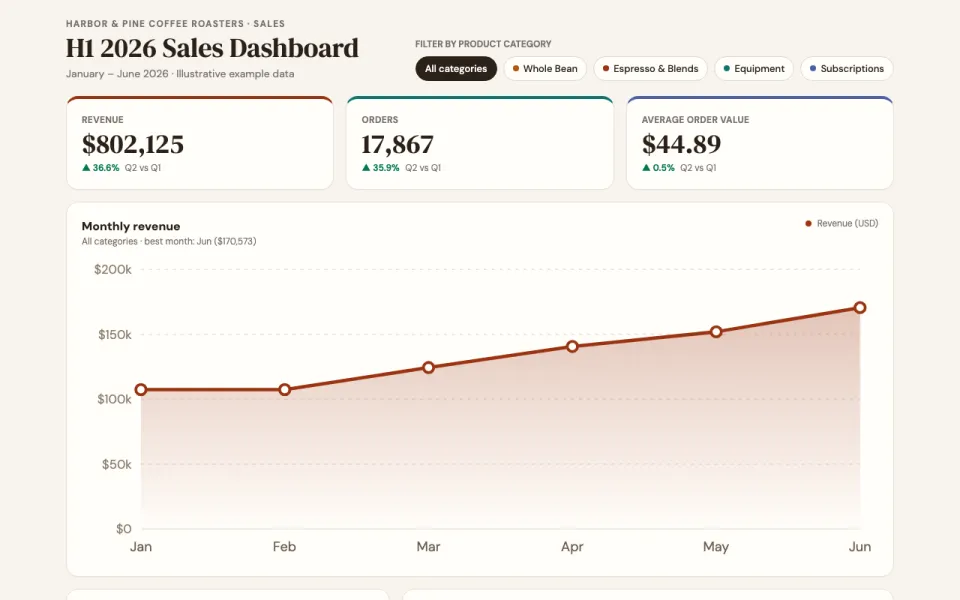 Sales dashboardVisualization
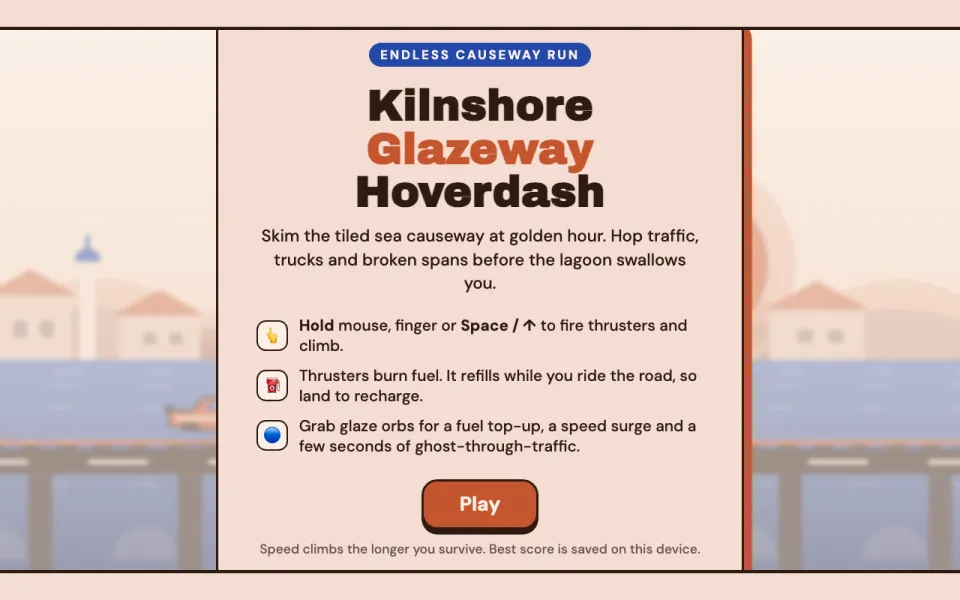 Hover roadster dashGame
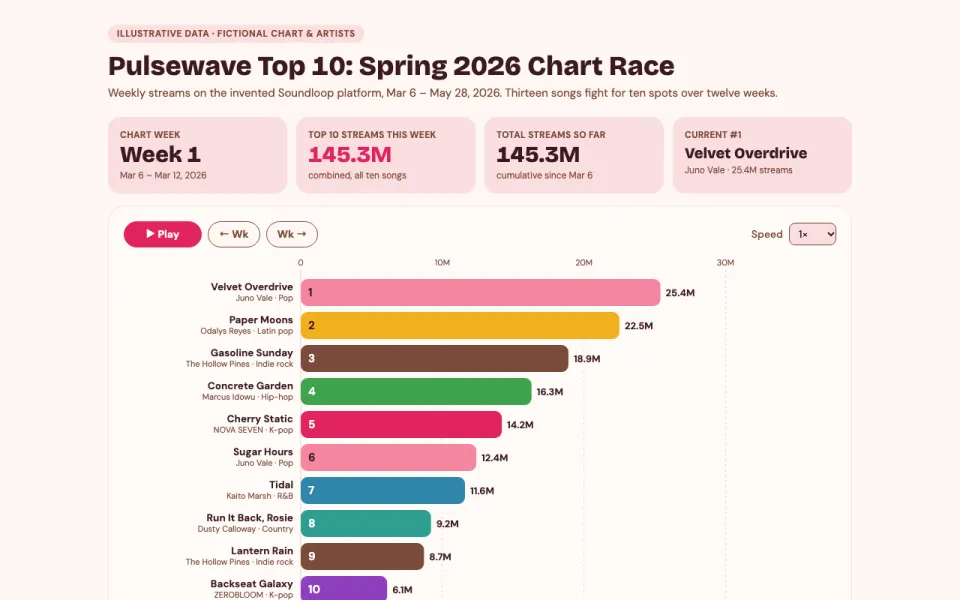 Music chart raceVisualization
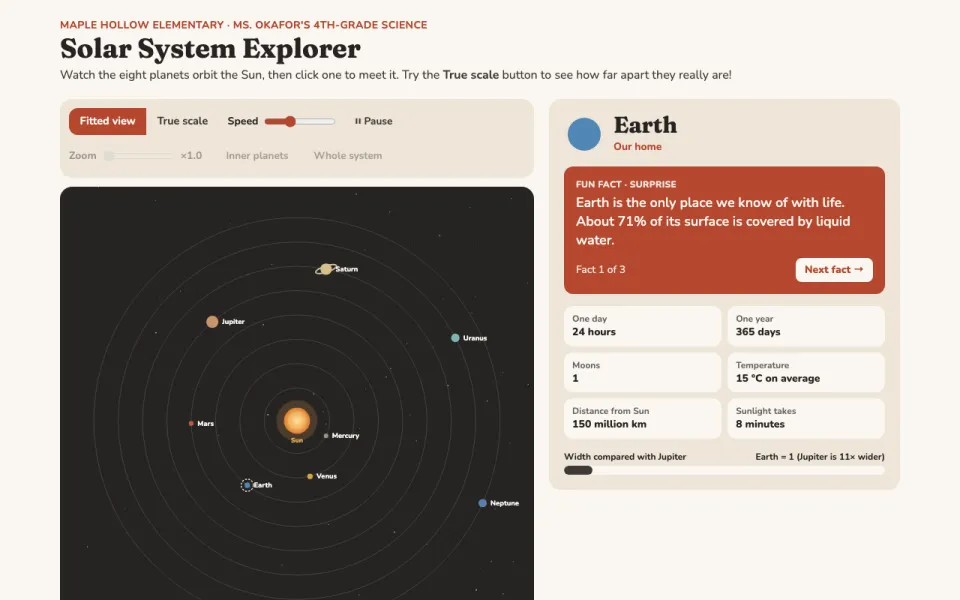 Solar system explorerVisualization
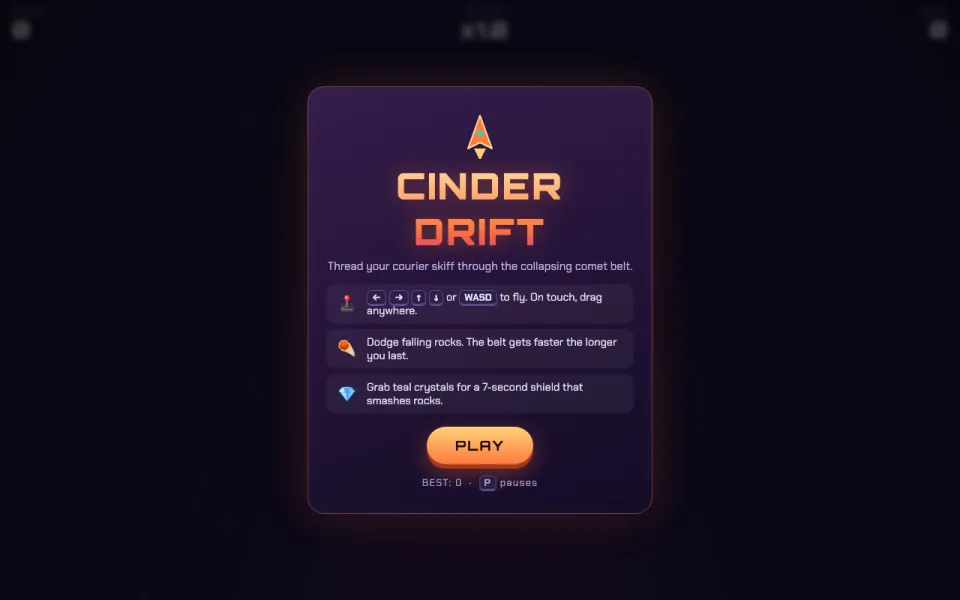 Asteroid dodgerGame
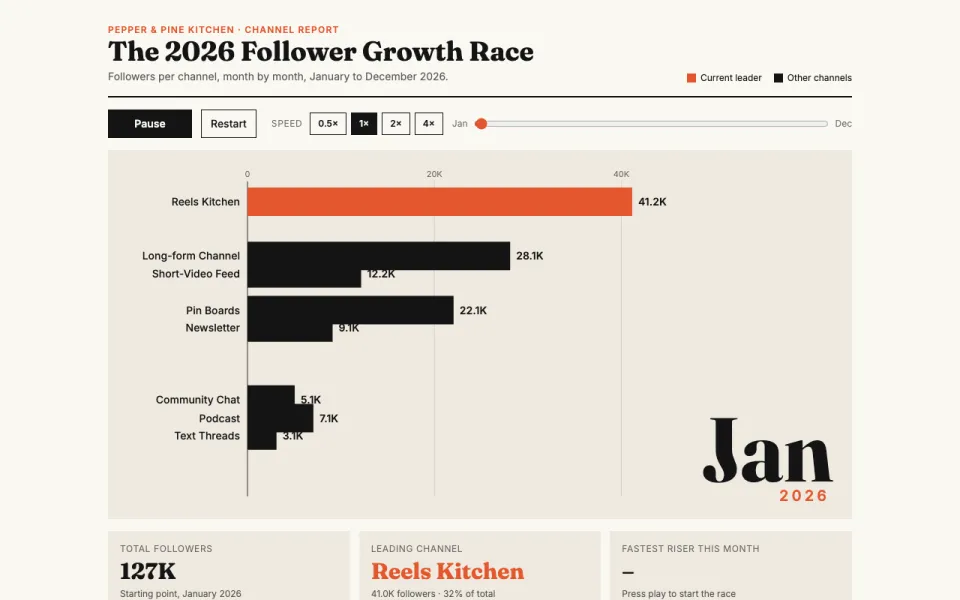 Follower growth raceVisualization
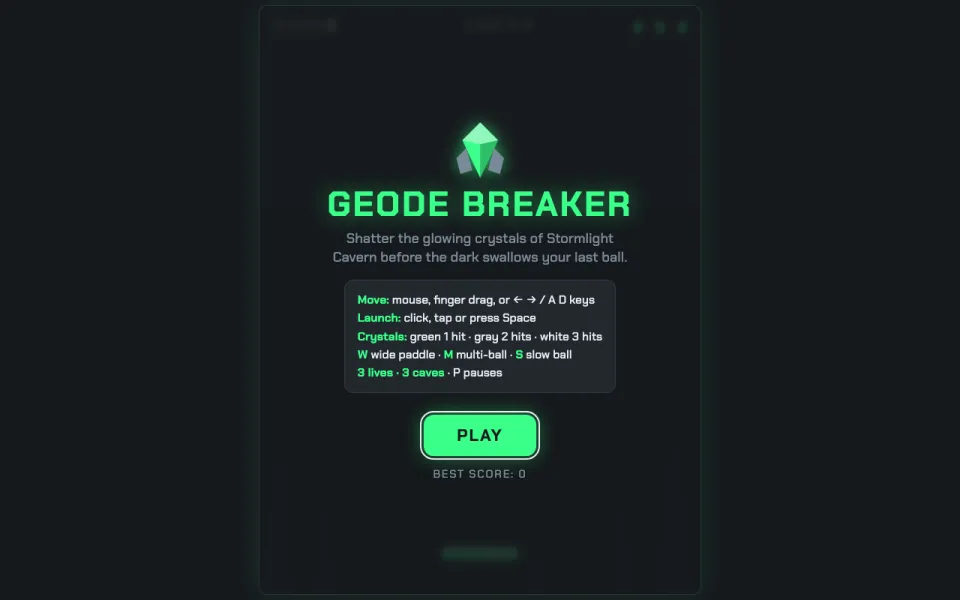 Crystal breakerGame
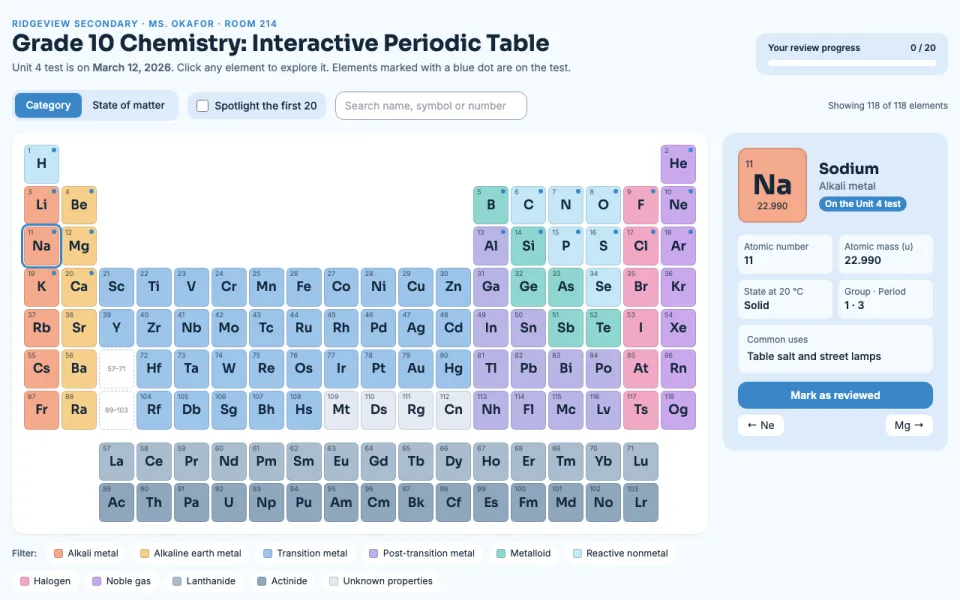 Interactive periodic tableVisualization
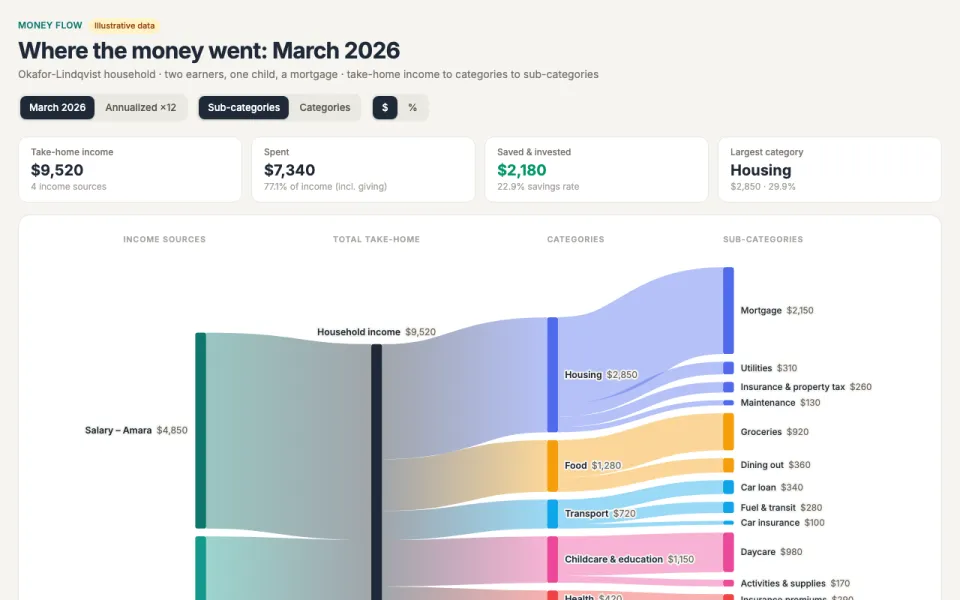 Money flow (Sankey)Visualization
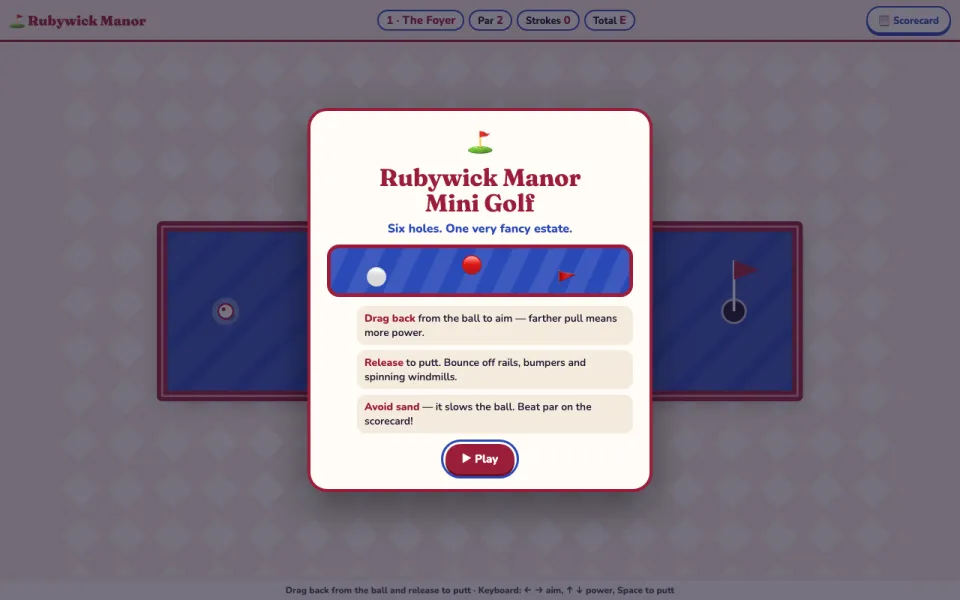 Mini golfGame
 Trip route mapVisualization
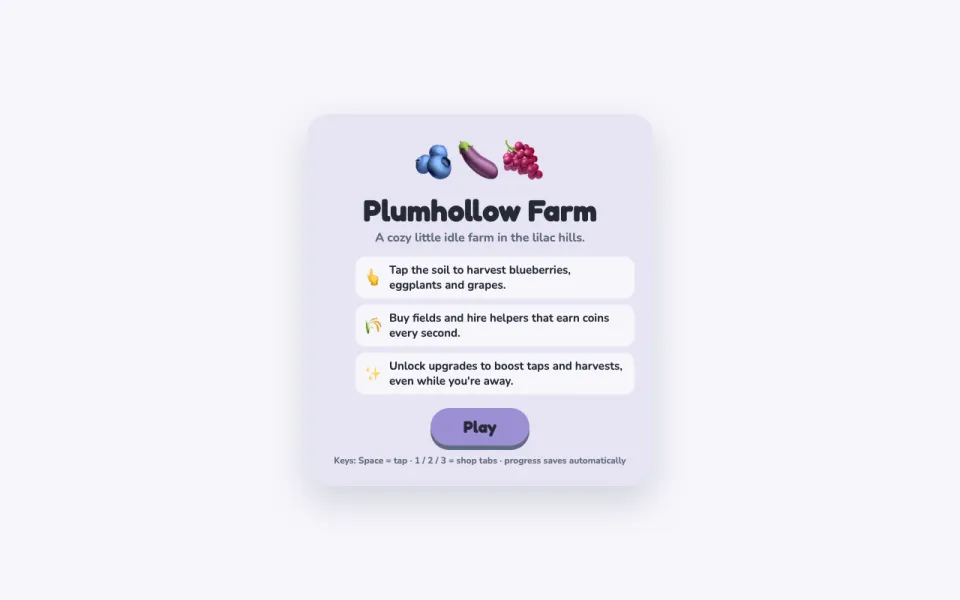 Idle farmGame
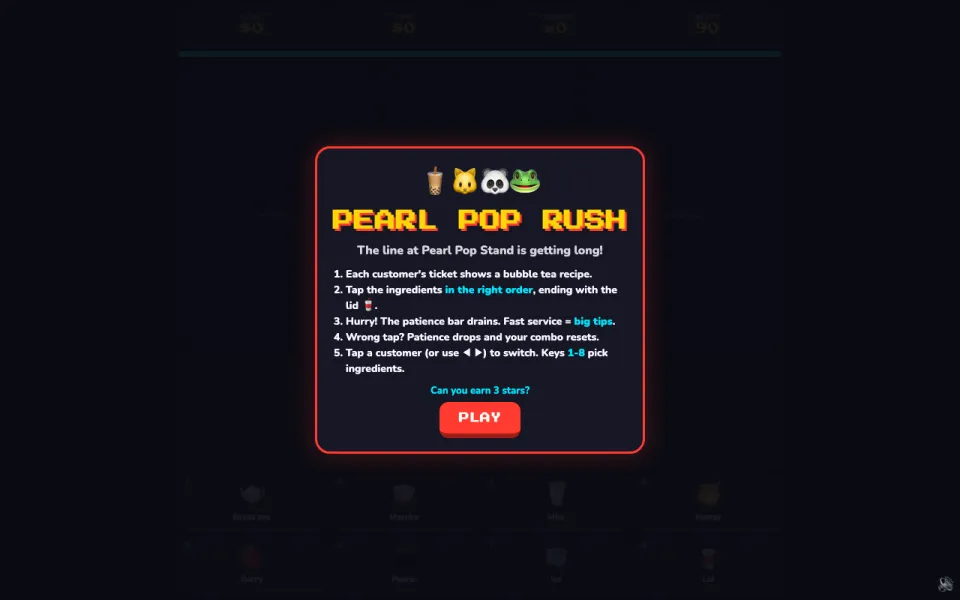 Order rushGame
How it works
As easy as asking a friend
No setup, no learning curve. If you can send a message, you can get it done.
- AppsStep 1 of 3
Sign in once to each app you use. Only the apps you connect are touched.
Search 1,500+ appsGoogle SheetsConnect
SlackConnect
GmailConnect
NotionConnect
- Apps it works with
- 1,500+
- Ready-made templates
- 500+
- Top AI models built in
- 50+
- Tasks that run on their own
- 24/7
Works with 1,500+ apps you already use
GitHub
Google Calendar
Google Drive
Linear
Jira
HubSpot
Salesforce
Figma
Airtable
Asana
Trello
Discord
Stripe
Shopify
Zoom
Outlook
Dropbox
Supabase
Confluence
Todoist
ClickUp
Calendly
YouTube
Reddit
For everyone
Whatever you do, hand it off
From everyday errands to marketing, studies and running a business, see what people get done.
A personal AI agent for everyday life
Plan trips, sort your finances, answer emails and learn anything — with an assistant that remembers what matters to you and works with the apps you already use.
See Getinto.chat for everyday life“Plan a 5-day Japan trip under $2,000. I’m vegetarian.”
A day-by-day itinerary with budget and food picks, saved as a PDF.
Web searchMemoryPDF skill“Every morning at 7, send me the weather, my calendar and top news.”
A daily briefing that is ready before you wake up.
Schedules“Turn my bank export into a monthly budget with charts.”
A categorized spreadsheet with spending charts.
Code interpreterExcel skill“Reply to these three emails — polite but firm.”
Drafts in your tone, ready to review and send.
Everything included
Everything you need, in one place
The best AI models, a memory of how you like things done, your files and your apps, all working together in one plan.
Every top model included
 OpenAI
 Anthropic
 Google
 DeepSeek
 xAI
 Mistral
 Meta
All AI models
GPT, Claude, Gemini, DeepSeek, Grok and 50+ more models in one chat.
- Every frontier lab
- Switch mid-conversation
- Reasoning controls
Compare Mode
Send one prompt to up to four models and read the answers side by side.
- Up to four models at once
- Live, side-by-side streaming
- Mix any labs
Persistent memory
Your agent remembers your preferences, projects and context across every chat.
Learn more about Persistent memoryIntegrations & MCP
Connect 1,500+ apps like Gmail, GitHub, Slack and Notion, or bring your own MCP servers.
Learn more about Integrations & MCPScheduled tasks
Run prompts once, daily or weekly — your agent keeps working while you are away.
Learn more about Scheduled tasksKnowledge bases
Upload documents and save web pages so answers are grounded in your own sources.
Learn more about Knowledge basesSkills
Reusable abilities for your agent — built-in skills for documents and design, or your own.
Learn more about SkillsCode & data analysis
Run Python, JavaScript and TypeScript in a secure sandbox to analyze data and create files.
Learn more about Code & data analysisAI Library
Every file you upload or your agent creates, organized in one place and reusable anywhere.
Learn more about AI LibraryProjects
Group related chats with shared instructions to keep every initiative focused.
Learn more about ProjectsWithout Getinto.chat
- A different app for every job
- Copy-pasting between your tools
- Doing the same chores every week
- Paying for several AI subscriptions
With Getinto.chat
- One place to ask for anything
- Works right inside the apps you use
- Repeating tasks run on their own
- Every top AI model in one plan
FAQ
Questions, answered
Everything you need to know about Getinto.chat. Still curious? Our support team is happy to help.
What is Getinto.chat and how does it work as a personal AI agent?
Getinto.chat is your private, 24/7 personal AI agent. Unlike standard chatbots that start blank every session, it maintains continuous context, learns your working preferences, manages a connected AI library of your documents and assets, and autonomously runs scheduled tasks while giving you instant access to all top frontier models in one workspace.
How does Compare Mode work across multiple models?
Compare Mode sends a single prompt to up to four models — for example GPT, Claude, Gemini and DeepSeek — at the same time and streams the answers side by side, so you can compare reasoning, code quality and accuracy without opening multiple tabs.
What are 24/7 Autonomous Schedules?
Schedules allow you to automate recurring prompts and agent actions on a timer. You can set up daily market briefings, regular repository updates, automatic code review summaries, or weekly digest reports that run automatically even while you are away.
What integrations and tools are supported?
Getinto.chat connects with over 1,500+ apps and services via Composio and the Model Context Protocol (MCP). Your agent can interact with GitHub, Slack, Linear, Notion, Google Workspace, Jira, databases, and custom MCP endpoints to perform real actions on your behalf.
What is the AI Library and how does persistent memory work?
The AI Library is an agent-managed repository for your notes, documents, code snippets, and generated artifacts. Combined with persistent long-term memory, the agent automatically retains your preferences, instructions, and past conversation context so you never have to repeat yourself.
Which platforms are supported?
Getinto.chat is initially available as a full-featured Web Application and a Chrome Web Extension for 1-click page capture and quick memory saving. Dedicated desktop applications for macOS and Windows (with a floating global shortcut widget) and a Telegram mobile bot companion are coming soon!
Is my data private and used to train AI models?
Never. Your conversations, uploaded files and memories belong to you and are never used to train or fine-tune AI models. You can review and delete your memories at any time.
When will public access and pricing be available?
We are currently preparing for public launch. Full pricing plans and instant sign-ups will open shortly. Stay tuned for our upcoming launch announcement.
Privacy
Private by design
Your agent works with your most important context, so it is built to keep that context yours — and to keep you in charge of it.
Never used for training
Your conversations, files and memories are never used to train AI models.
You control memory
See everything your agent remembers, and delete any of it whenever you want.
Your accounts, your permissions
Apps connect with your own sign-in and can be disconnected at any time.
Get started
Hand off your first task today.
Public access is opening soon. Explore everything that is included in the meantime.