
Task template · Freelancers & employees
Receipts to expense sheet
Photos of receipts become a spreadsheet. Made from one message, so you can get your own in minutes.
Receipts to expense sheet
- Uses
- FilesSheets
- You need
- Attach photos of receipts
Prompt: Read the attached receipt photos and put each one in a Sheet called [sheet name] with date, merchant, category ([categories]), amount, tax and payment method. Add totals by category and flag any receipt you could not read clearly.
Photos of receipts become a spreadsheet. For Freelancers & employees.
The prompt
Read the attached receipt photos and put each one in a Sheet called Maren Okafor – Lisbon Client Trip Expenses, March 2026 with date, merchant, category (Travel, Meals, Lodging, Software, Office Supplies), amount, tax and payment method. Add totals by category and flag any receipt you could not read clearly.
You need: Attach photos of receipts
Uses: Files, Sheets
Make it yours
- Change the details in the prompt to fit freelancers & employees.
- Ask for edits in plain words: tone, colors, length, layout or data.
- Share the result by link or export it when you are done.
More task templates
Browse all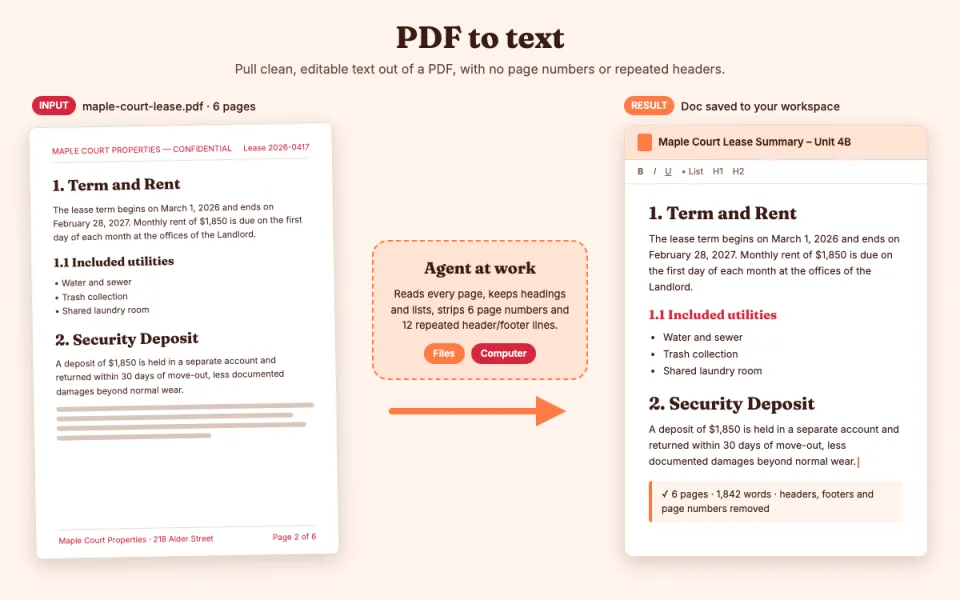
PDF to text
Pull clean, editable text out of a PDF
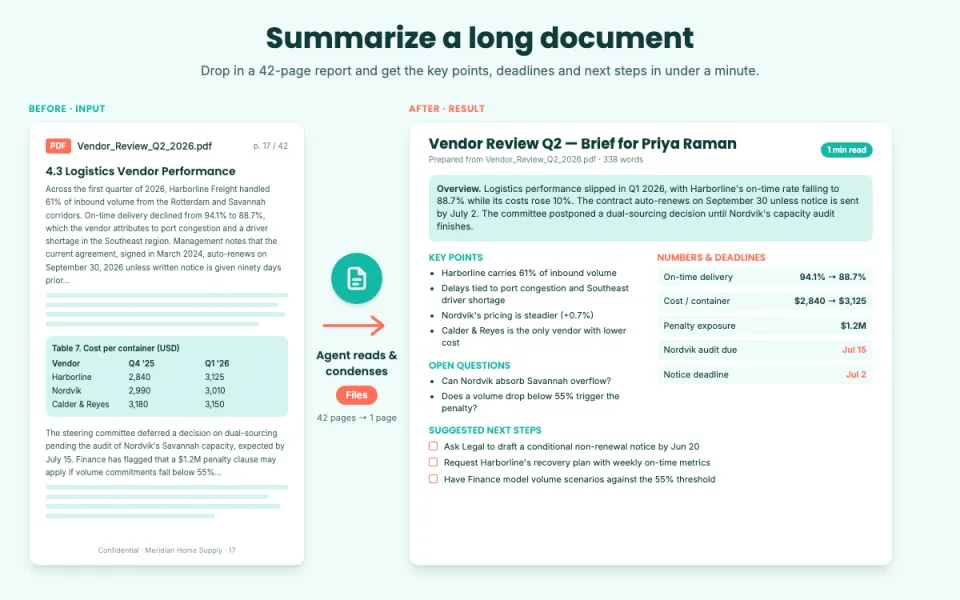
Summarize a long document
Key points, decisions and action items
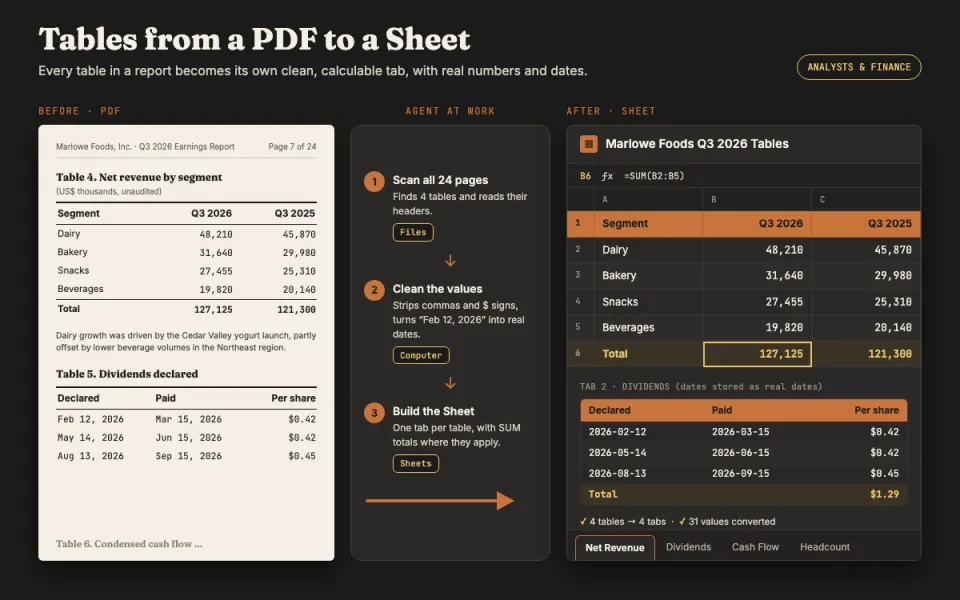
Tables from a PDF to a Sheet
Turn report tables into a spreadsheet
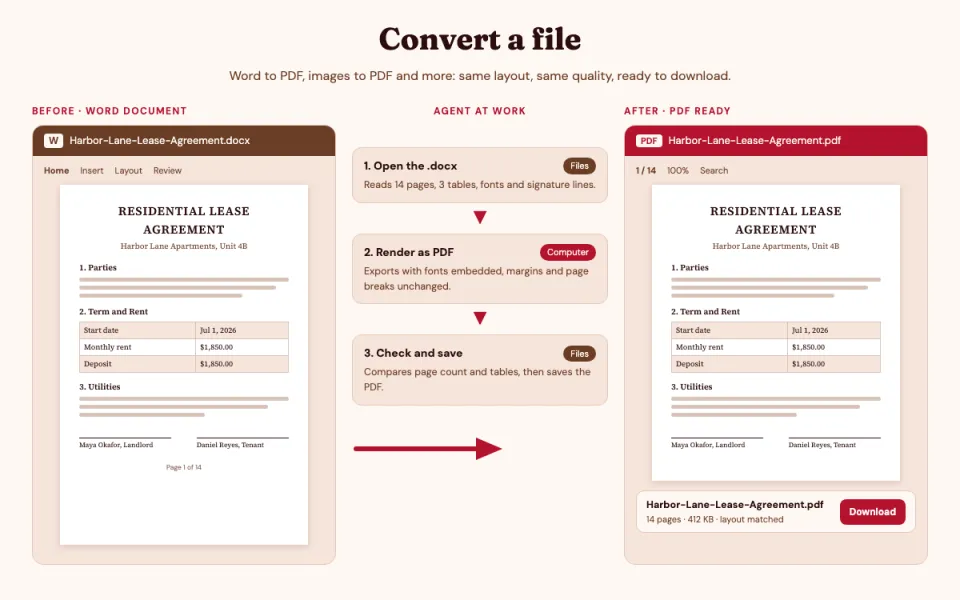
Convert a file
Word to PDF, images to PDF and more
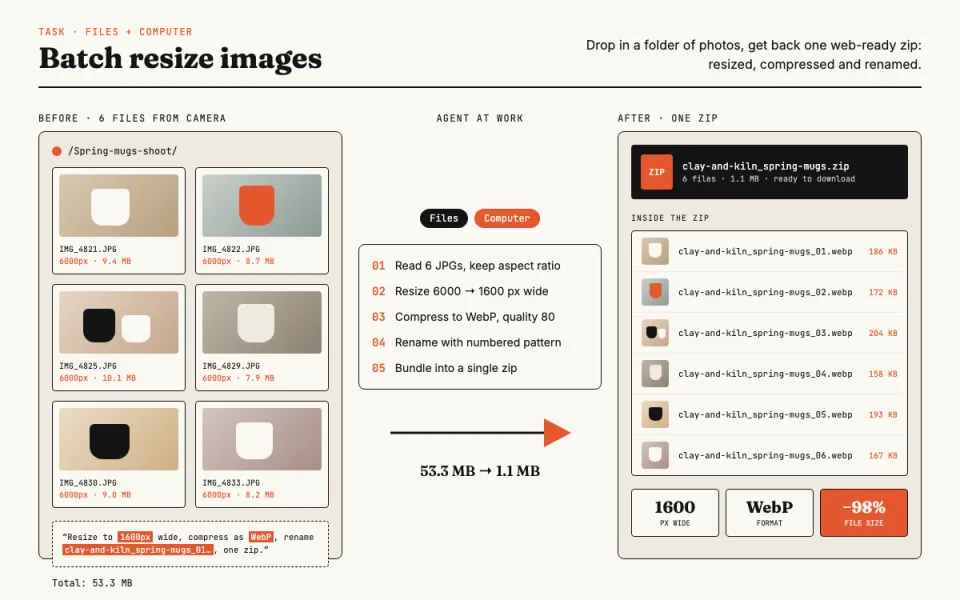
Batch resize images
Resize, compress and rename photos
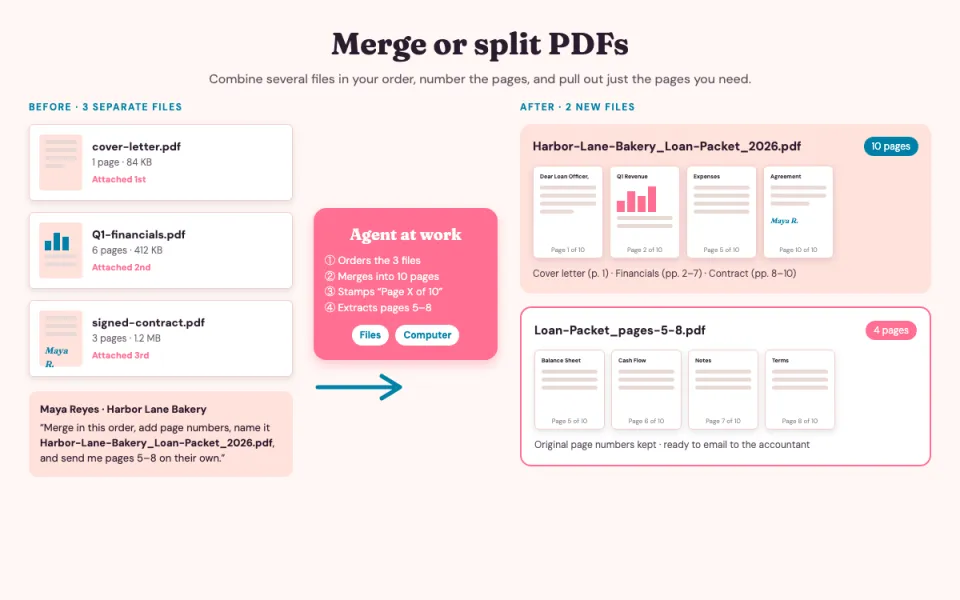
Merge or split PDFs
Combine files or pull out pages